


What the first week asks of you
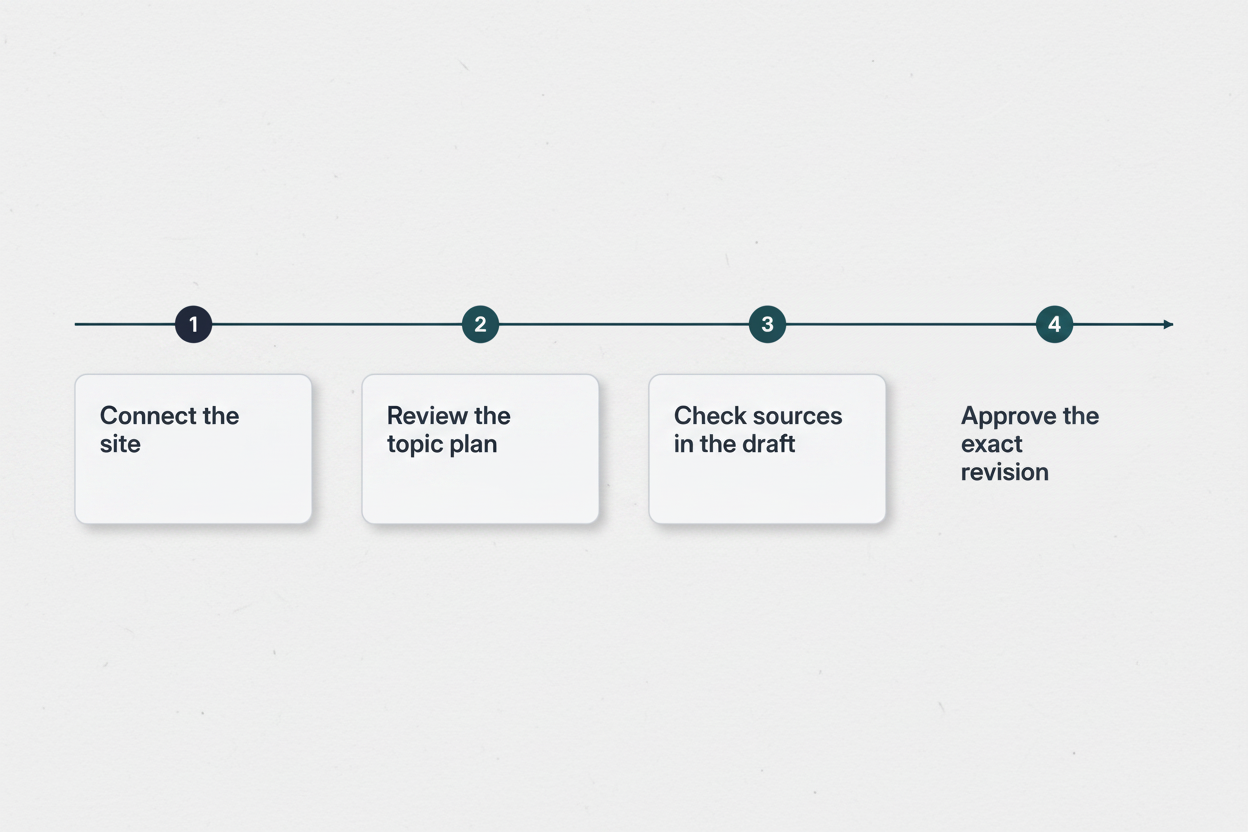
The AuthorFox trial starts without a card, and the first three articles are free. That is enough to run the whole loop on a real WordPress site: connect the site, review the topic plan, check the sources in the draft and approve the exact revision you want published. None of these steps takes long. Each one is a decision only you can make about your site, and the week goes more smoothly if you know which day asks for which.
Many owners have an earlier question: will Google hold it against the site? Google's answer is that appropriate use of AI or automation is not against its Search guidelines, as long as it is not used mainly to manipulate search rankings. Using automation, including AI, to generate content with that primary purpose violates its spam policies. Google also says AI gives content no special advantage: an article is judged as content, on whether it is useful, helpful and original. The days below are where your oversight comes in.
Day one: connect the site and describe it
On WordPress the connection runs through the free AuthorFox Bridge plugin. You install it and create a WordPress user for it. Articles arrive as ordinary posts, so they sit in the same Posts list as everything you have written yourself. If you use Yoast, Rank Math or SEOPress, the search title and description go into that plugin's own fields. The Bridge does not change your theme, your other plugins, your existing pages or your settings. The screen-by-screen setup is covered on the WordPress integration page, so day one is mostly about the parts that need your judgement.
The main one is the Content DNA, a single description of the site that every article is written to. It covers three things: who you write for, how you sound and what the site may claim. The last part deserves the most care. If you repair bikes but don't sell them, or you can't promise delivery times, write that down here once rather than correcting it in every draft.
Settle the byline the same day. Google advises accurate author bylines where readers would reasonably expect them, on any page where someone might ask who wrote it. It strongly encourages accurate authorship information and warns against deceptive authorship information. On a small business blog, the natural choice is a real person who stands behind the article, such as the owner who approves it.
Days two and three: review the topic plan as its editor
Once the site is described, AuthorFox proposes article ideas, each with the reason it is worth writing, and puts series on a calendar. Read the reason before the title. A title can sound fine and still be aimed at a reader you don't have, or at a question your site has no standing to answer. The reason shows you which one you are looking at.
Pruning is the useful work here. Among the warning signs of search engine-first content, Google lists using extensive automation to produce content on many different topics. It also says that using generative AI to create many pages without adding value for users may violate its spam policy on scaled content abuse. A plan that stays close to what your business does and knows holds up better on both counts. It is also easier for you to check later, because you know the subject.
Cutting ideas costs nothing. An article counts toward your allowance once it starts being written and is sent for review; ideas and plans are not counted. Plans are priced by the number of articles a month, not by seats, so the only thing you spend is articles you choose to have written.
Questions to ask of each idea
- Would one of your customers actually ask this?
- Can your site answer it from what you do or know?
- Does the stated reason match what you want the blog for?
- Does it repeat a post you already have?
- If it is part of a series, does the order on the calendar make sense?
Days three to five: check the sources in the first draft
The first draft comes with its research attached. AuthorFox researches before it writes and shows its sources, and the evidence stays with each claim, visible while you review. That matters because of how the writing is done. AuthorFox writes with large language models, including Claude, and Google's guidance on generative AI explains that such models don't retrieve facts: they predict a likely sequence of words, so their output can contain inaccuracies. Google calls manual fact-checking and review of AI-generated content before publishing critical.
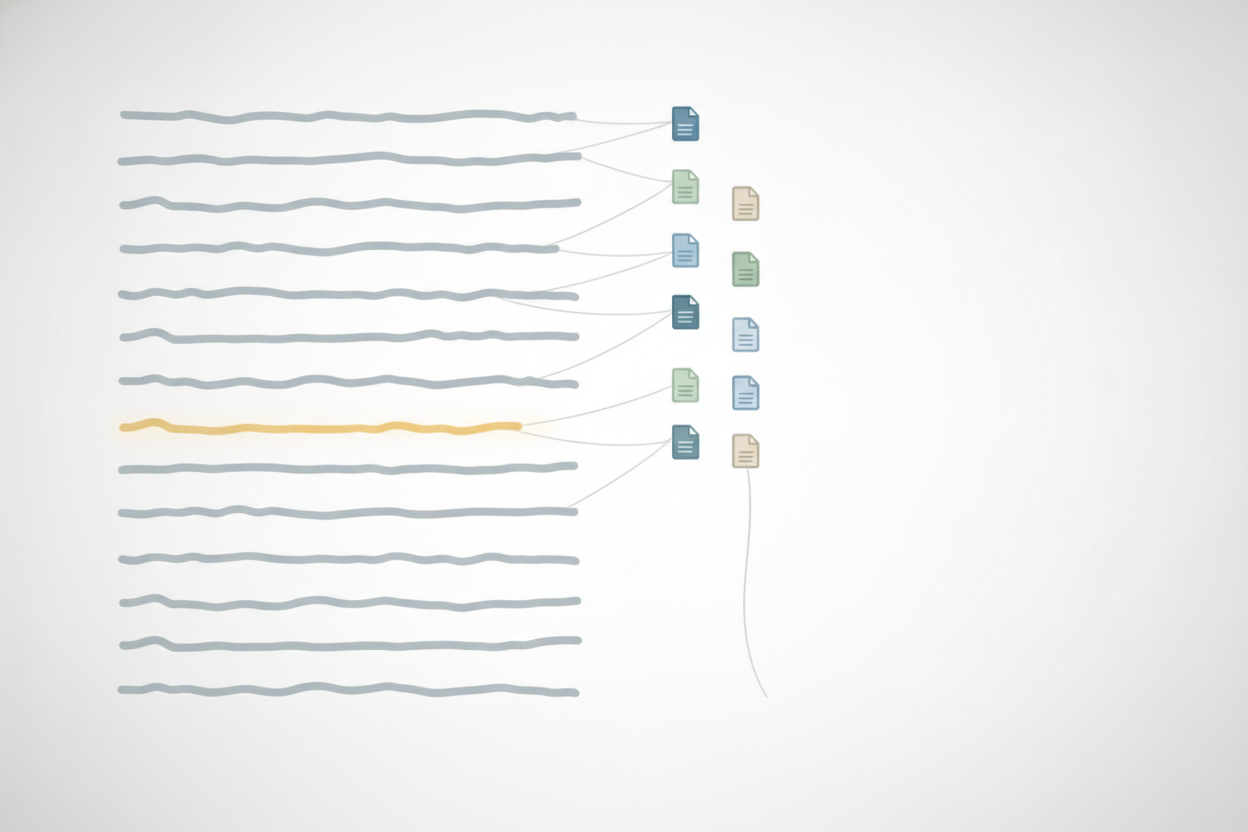
You don't need to give every source the same attention. Start with the sentences a reader would act on: figures, dates, anything about prices, rules or safety, and anything said about your own business. Check that the source says what the sentence says, not something close to it. If a claim about your own services is wrong, fix the Content DNA as well as the draft, so the next article starts from the right description.
Then read what sits around the article. Google says the review of AI-generated content also applies to metadata such as meta descriptions, structured data and image alt text, all of which can appear in Search results. On WordPress, that means the search title and description in your SEO plugin and the alt text on each picture, as well as the body.
If a draft misses the point, you can have it written again. A write is one go at an article, and every plan includes twice as many writes as articles, so each article can be rewritten once at no extra cost. Fixing a sentence yourself or changing a picture does not use a write. Small corrections are the cheaper habit; a full rewrite is for a draft that went in the wrong direction. Length alone is a weak reason to ask for one, since Google says it has no preferred word count.
Approve the exact revision, then decide what readers are told
Nothing goes live until you approve it. That is the default for every article, and what you approve is exactly what is published: the revision you read, with your corrections in it. Auto-review can be switched on per site, but the first week is when you learn how drafts for your site come out, which is the thing that decision rests on.
After publishing, AuthorFox reads the post back from WordPress and compares it with what was approved. From then on it is an ordinary post in your Posts list, next to the ones you wrote yourself.
The last decision is what to tell readers about how the article was made. Google suggests that sites generating content automatically consider explaining how it was created, in a way that makes sense for their audience. It describes AI or automation disclosures as useful where someone might reasonably wonder how a page was created, and says listing AI as the author is probably not the best approach. A short note on your About page or at the foot of each article, naming the person who reviewed and approved it, can carry both the byline and the disclosure.
Sources
- Google Search's guidance about AI-generated content | Google Search Central Blog | Google for Developers – developers.google.com
- Creating Helpful, Reliable, People-First Content | Google Search Central | Documentation | Google for Developers – developers.google.com
- Google Search's Guidance on Generative AI Content on Your Website | Google Search Central | Documentation | Google for D – developers.google.com